5 Gaming Habits That Protect Your Eyes Every Day

You can protect your eyes while gaming by managing your room light, setting your monitor distance to 20 inches, and taking a 20-second break every 20 minutes. Adjusting your display settings to match ambient light stops headache triggers right away. These daily habits keep your eyes fresh without forcing you to quit your match.
How to position your gaming monitor
Proper screen placement reduces stress on your eye muscles. Place your display exactly 20 to 30 inches away from your face, which is roughly one arm length. The top edge of your monitor should sit at or slightly below your eye level so you look gently downward while playing.
Looking slightly down places less stress on your eyelids and keeps more of your eye surface covered by natural tears. If your desk is shallow, wall-mount your display or push your keyboard back to get that minimum 20-inch gap. This setup prevents dry eyes during fast matches on your Gaming computer setup.
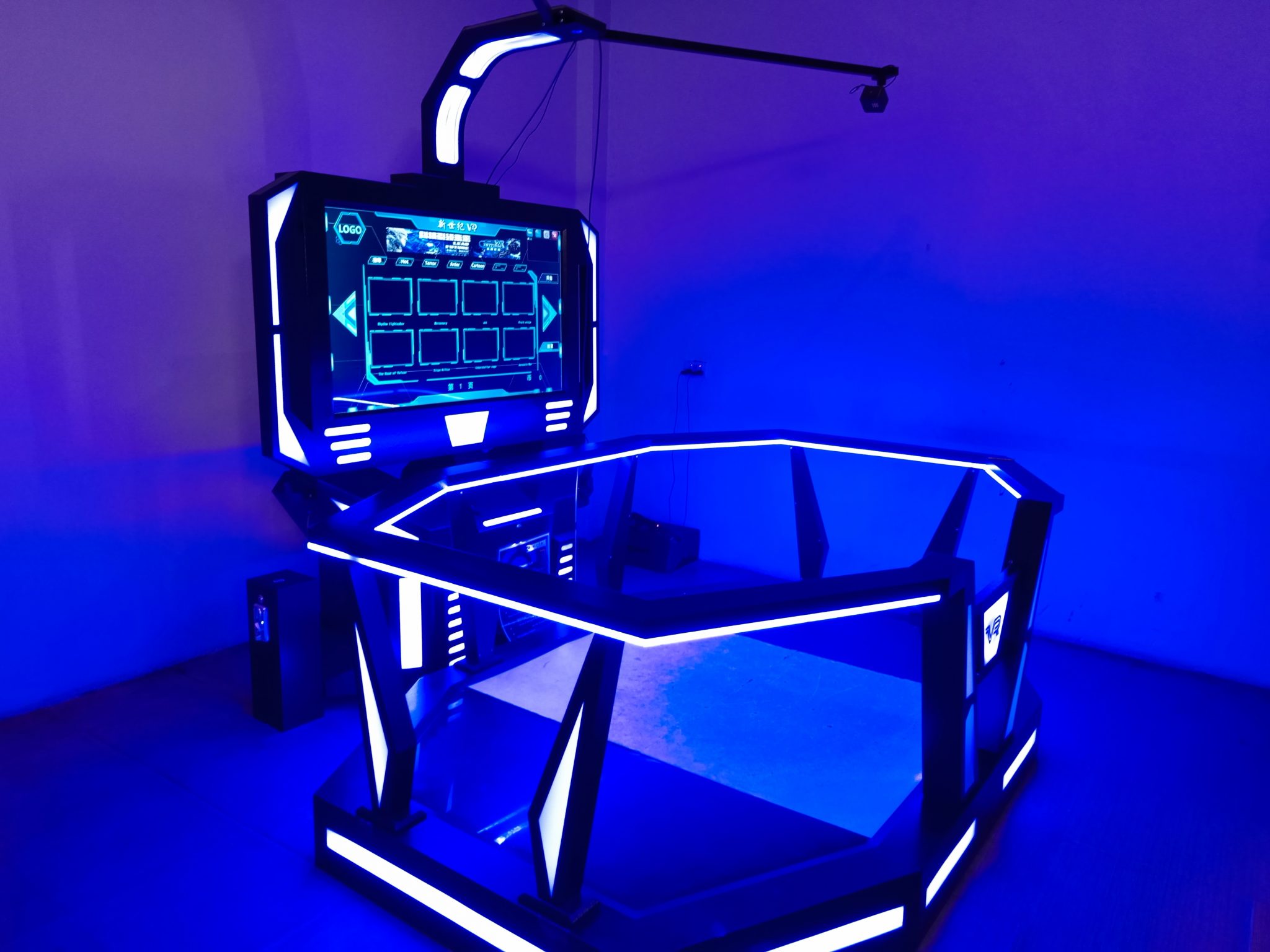
Use the 20-20-20 rule to rest your eyes
Your eyes freeze their blink rate when you focus hard on a screen. A normal person blinks 15 times a minute, but a gamer often blinks only 5 times a minute. This massive drop causes instant redness, burning, and blurry vision during long questing sessions.
- Set a timer on your phone for every 20 minutes of play time.
- Look away from your screen at an object exactly 20 feet away.
- Hold your gaze on that distant object for a full 20 seconds.
- Blink 10 times slowly to coat your eyes with fresh tears.
This routine relaxes the focusing muscle inside your eye. Doing this three times an hour keeps your focus sharp during long events in professional Esports matches or casual play.
Fix your room lighting and eliminate glare
Playing games in a pitch-black room forces your pupils to shrink and expand constantly. The harsh shift between a bright explosion on screen and a dark room strains your optic nerve within 30 minutes. Always keep soft light behind or beside your display monitor.
Avoid placing lamps directly behind your chair because light hits the screen surface and bounces glare straight into your lens. Position warm light lamps to the left or right of your desk instead. If you play near a window, close the blinds to block daylight from reflecting off the glass display panel.
Adjust your display brightness and blue light settings
Factory screen settings are tuned to look bright in stores, not to be safe for your home. Your screen brightness must match the lighting in your room. If your monitor looks like a glowing light source, turn the brightness slider down until it blends into your room wallpaper.
- Lower screen brightness down to 30 percent or 40 percent for evening play.
- Turn on built-in low blue light mode or warm color temperature settings.
- Increase overall text size in your game menu to 120 percent.
- Clean dust off your monitor glass once every week with a microfiber cloth.
Warm color tones cut out harsh blue light wavelengths that disturb your sleep cycle. Cleaning dust off your monitor screen increases image sharpness, which stops your eyes from straining to read small text in UI menus.
Comments
Post a Comment